- C# 85.7%
- Python 5.3%
- ShaderLab 2.4%
- HLSL 2.3%
- Ink 2%
- Other 2.3%
| Filename | Latest commit message | Latest commit date |
|---|---|---|
| .voidbot | ||
| .vscode | ||
| Aetheria/.obsidian | ||
| Aetheria-Economy_WwiseProject | ||
| Aetheria.Rts.Web | ||
| Aetheria.State | ||
| Aetheria.State.AuthoritySmoke | ||
| Aetheria.State.Daemon | ||
| Aetheria.State.Daemon.Smoke | ||
| Aetheria.State.Freeze | ||
| Aetheria.State.Import | ||
| Aetheria.State.Replica | ||
| Aetheria.State.Smoke | ||
| Aetheria.State.Unity | ||
| Aetheria.State.Unity.Smoke | ||
| Aetheria.State.Verify | ||
| Aetheria.Unity | ||
| Asset Sources | ||
| Assets | ||
| conformance/eve | ||
| docs | ||
| GameData | ||
| Packages | ||
| ProjectSettings | ||
| scripts | ||
| tools | ||
| Vault/Aetheria | ||
| .gitattributes | ||
| .gitignore | ||
| .vsconfig | ||
| Aetheria RTS.lnk | ||
| Aetheria.sln | ||
| AetheriaTexts.ctd | ||
| AGENTS.md | ||
| Assets.meta | ||
| csc.rsp | ||
| GameCult.Aetheria.EveRuntime.csproj | ||
| GameCult.Aetheria.State.Unity.csproj | ||
| GameCult.Brokkr.csproj | ||
| GameCult.Brokkr.Editor.csproj | ||
| GameCult.Eve.Surface.csproj | ||
| GameCult.Eve.UnityScene.csproj | ||
| GameCult.Eve.UnityUIToolkit.csproj | ||
| LICENSE | ||
| logRunSetup.txt | ||
| MessagePack.SourceDisabled.csproj | ||
| README.md | ||
| WwiseUnityIntegration_Mac_Src.zip | ||
| WwiseUnityIntegration_Windows_Src.zip | ||

Aetheria
Aetheria is an ambitious (AA quality) open source tactical action role-playing game with a sprawling sci-fi setting that combines stunning visuals with unprecedented simulation depth while maintaining accessibility.
Aetheria is being rebuilt as a renderless daemon-owned game. The daemon owns rules, simulation state, level generation, assets, operations, and the high-performance view documents clients need to render the world. Eve/CultUI owns the portable surface, field-description, and world-state lowering contract. Unity, Godot, Electron, Hermodr, and later runtimes should be game-agnostic Eve lowerers: they render, capture input, cache native views, and submit typed operations without becoming gameplay authorities.
It is our ambition to forge a new paradigm of open source game development, as to our knowledge there are no other open source projects of this scope building up a foundation from scratch. Game development is notoriously averse to this model and nobody wants to share their shiny toys for fear of losing their competitive advantage. By building and sharing immersive and compelling experiences like this, we hope to change that.
Contact Us
If you want to chat, please join our Discord server for detailed development updates and discussions about the game design, narrative, art direction, and general topics. Shitposting welcome!
Trailer (outdated)

Screenshots
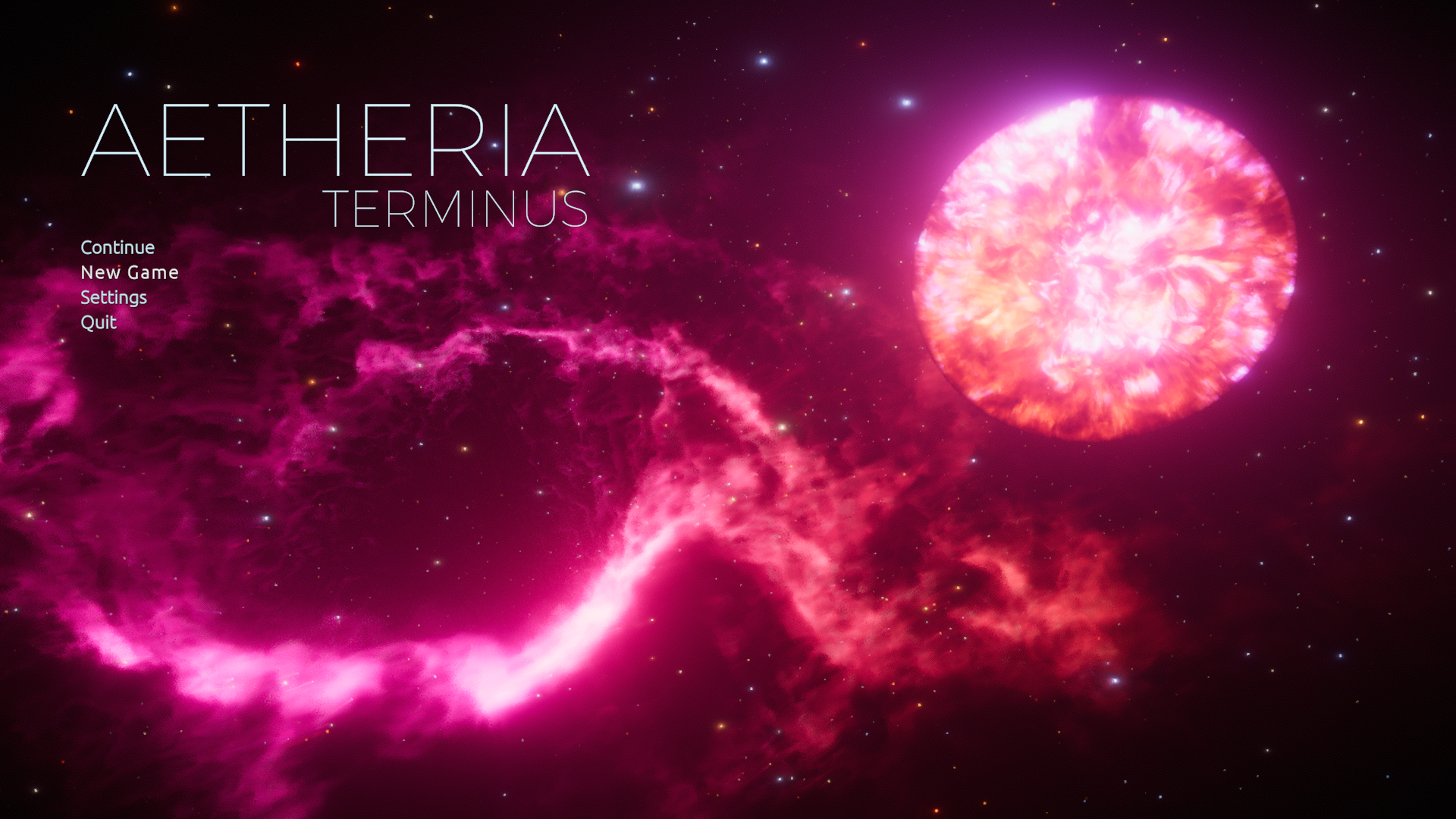
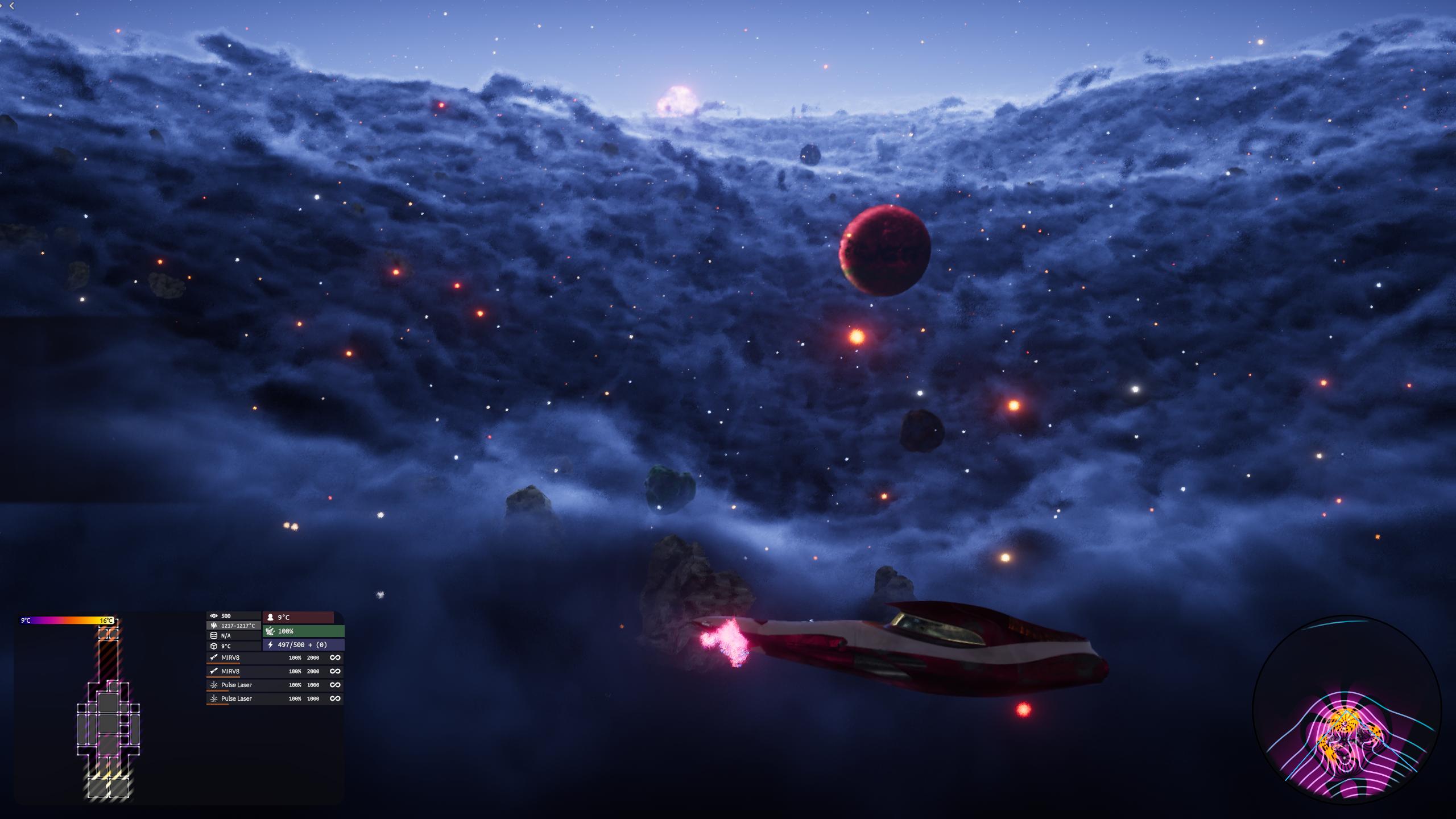
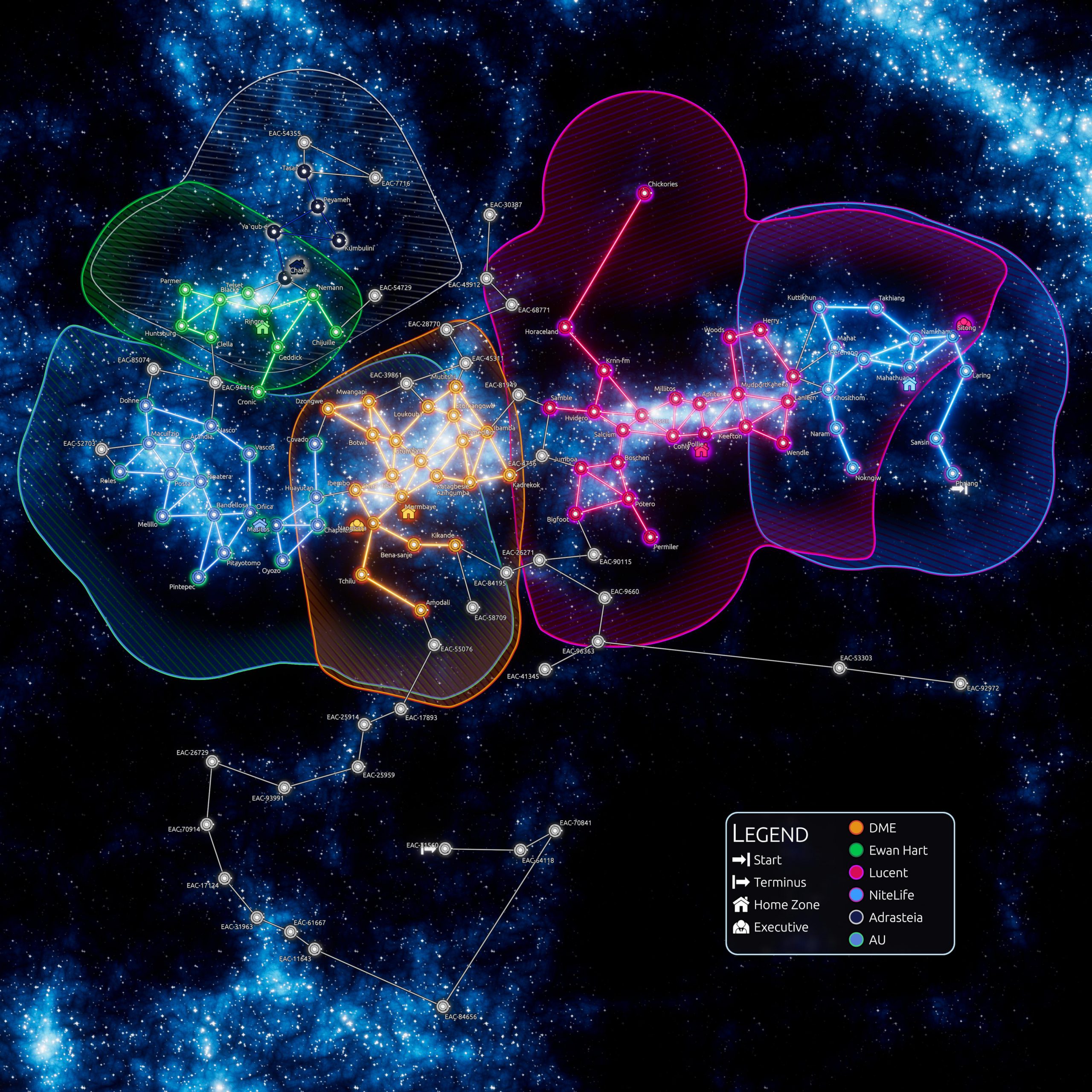
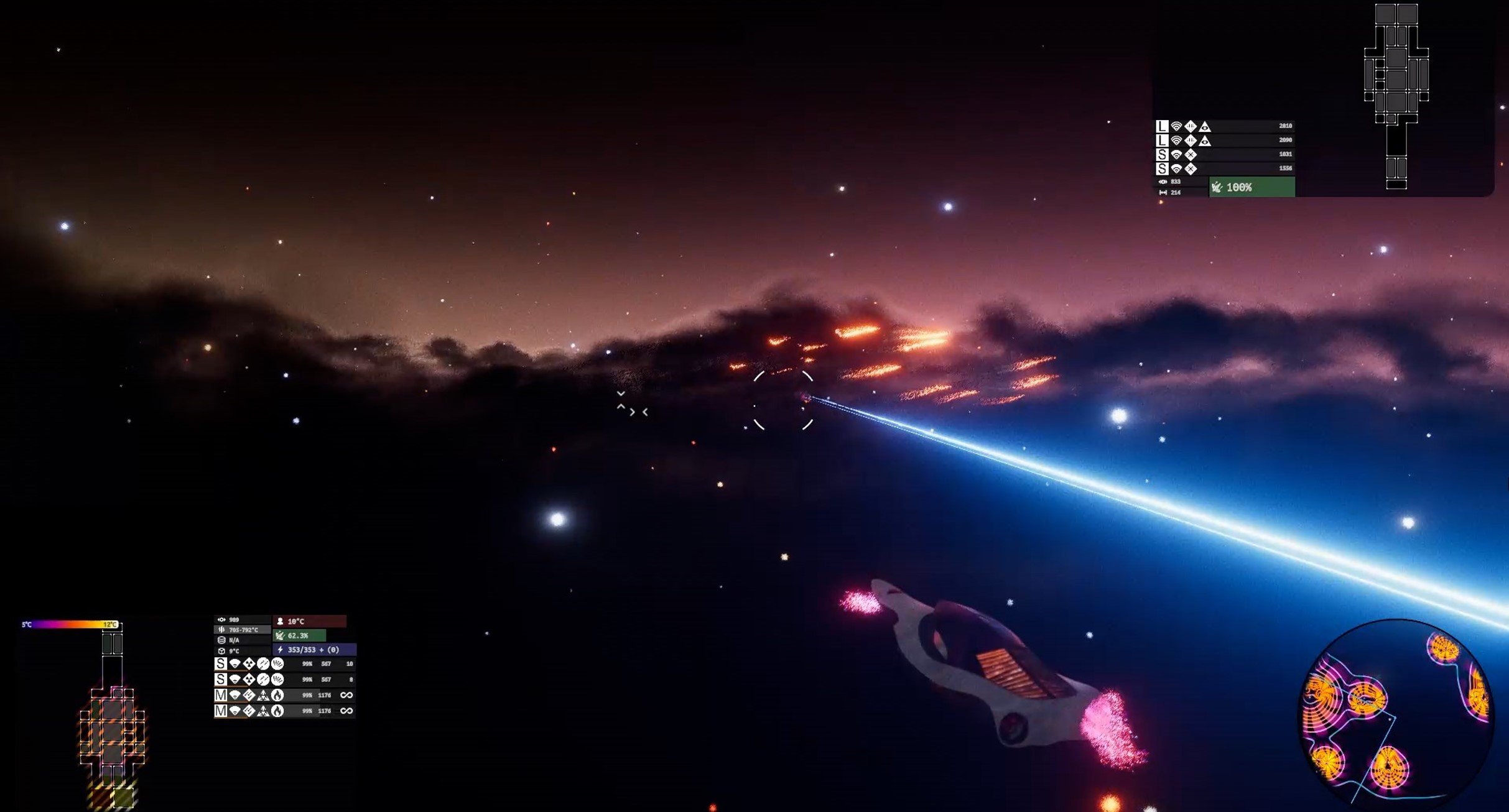
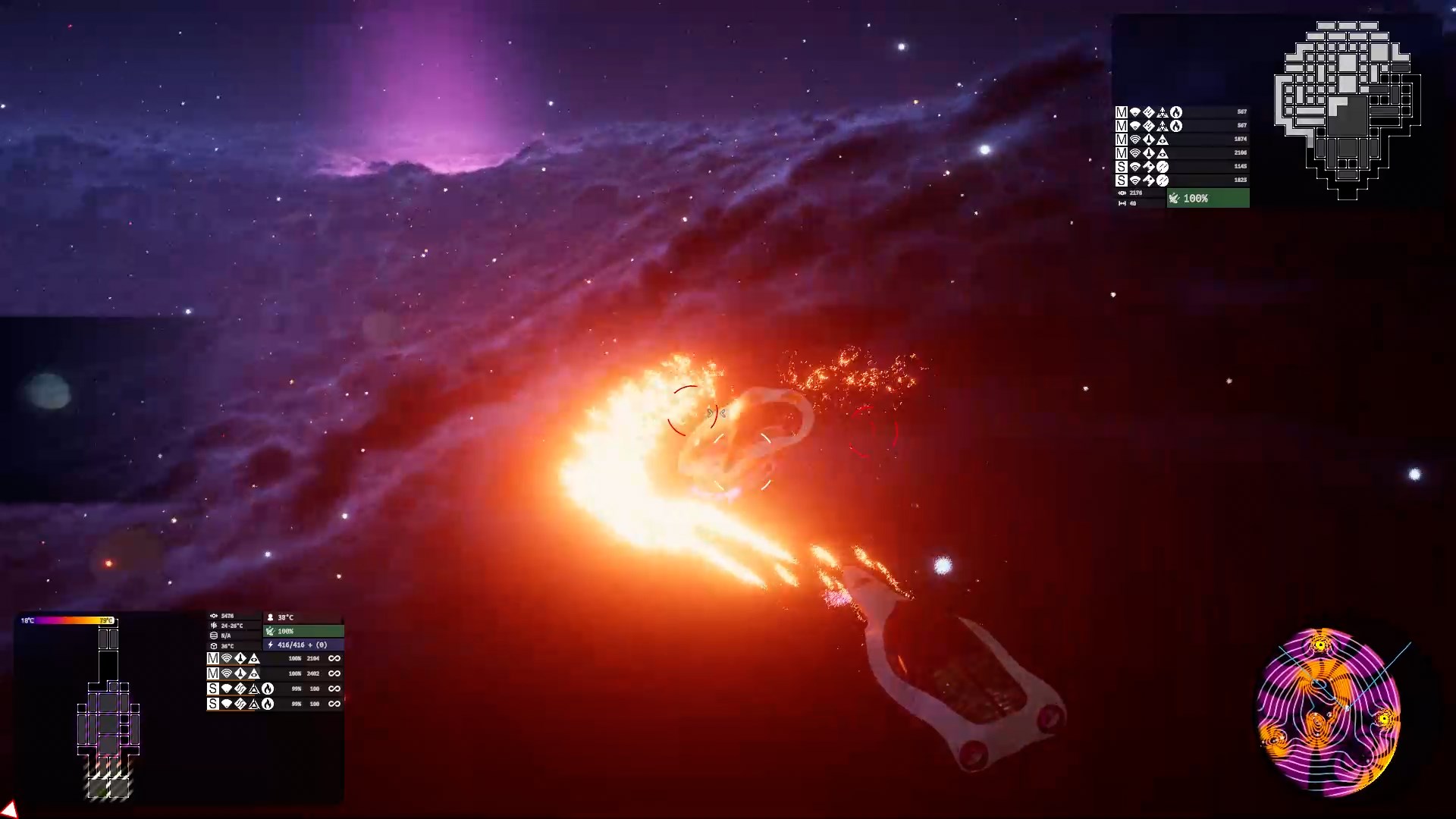
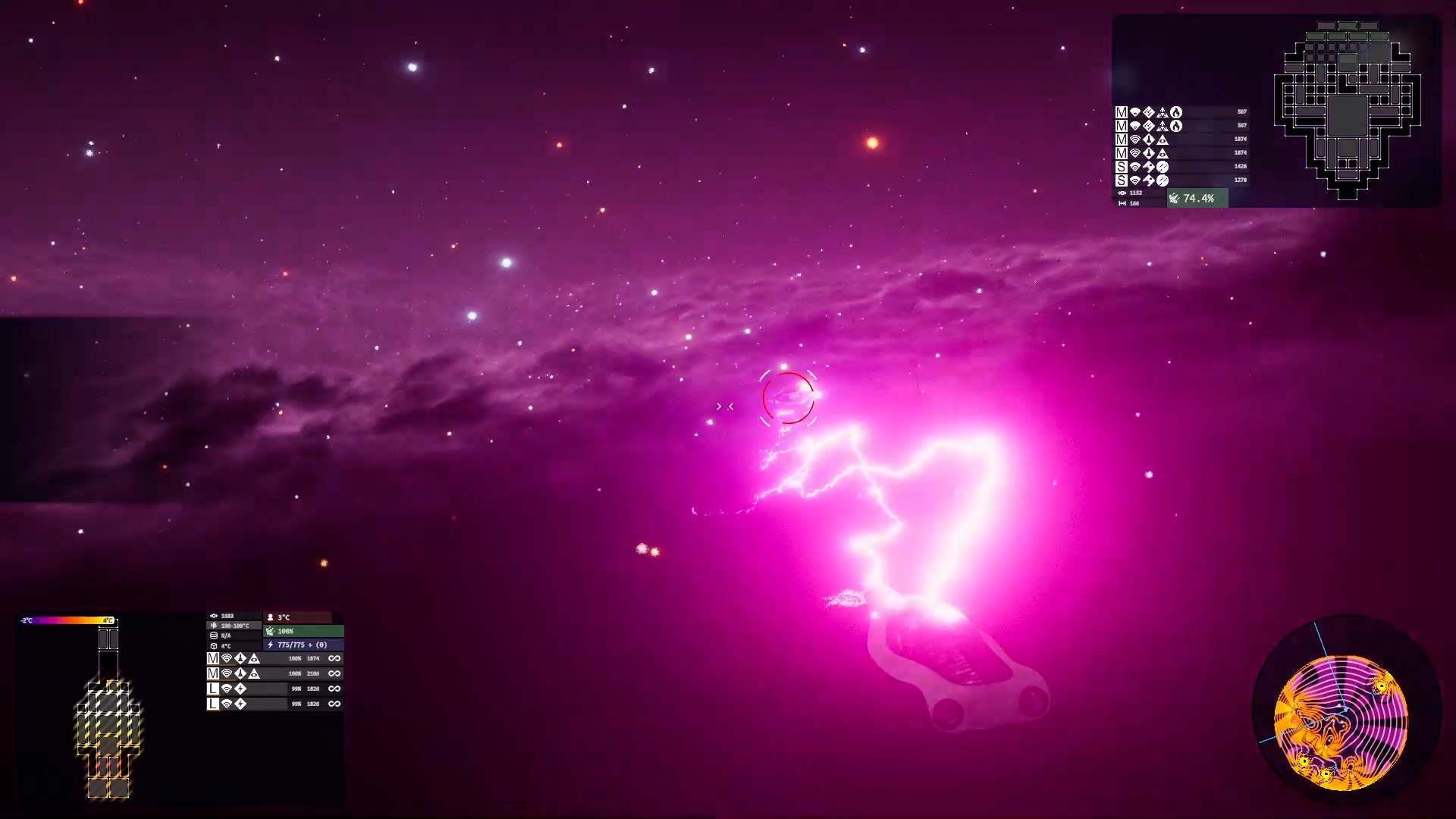
Table of Contents
Game Design
The ARPG game design document is available here, while the RTS gameplay is documented here. There's also a document explaining how some of the shaders work here.
The eventual goal is to essentially create two games which both take place in the same persistent universe, allowing players with vastly different preferences to struggle together for the survival of mankind. Each instance of the game lasts until the inevitable destruction of the entire population at the hands of aliens, after which the universe resets. Each loop is designed to last up to a couple of months, during which the hostility of the aliens steadily increases until the players are unable to hold back the tide. As players gain proficiency with the systems, the length of the time loop may increase, allowing us to organically inject new content into the timeline.
Previous Work
The concept for Aetheria goes back many years, during which I have steadily acquired my current skill with the primary objective of becoming competent enough to realize my vision. Previously I have built prototypes of the ARPG gameplay, here's a video of the most recent one. While it included stations, AI opponents, multiple ships and a complex loadout system which simulates heat transfer between all of the ship's hardpoints with temperature affecting the performance of each item differently, the world was rather static and empty.
As a result of lessons learned, we then focused on the economy system, and built a client-server architecture for the networked simulation of a persistent universe. We created an RTS client, allowing players to take the role of a corporation, where they can define roles for their population, gather resources, build infrastructure, research new technology and produce items in order to make as much money as possible.
Current Work
At the moment we are focused on moving Aetheria gameplay authority into the daemon and proving that both RTS and ARPG clients can be reconstructed from daemon-published typed state, CultMesh CDN assets, and Eve/CultUI surfaces. Starbridge is the first product pressure test for this model.
Developer Navigation
The repo is currently in a major typed-state migration. Before making runtime changes, read docs/developer-navigation.md for the current project map, command list, migration rules, and where the daemon, Eve, and runtime-lowering boundaries live. The target renderless architecture is mapped in docs/renderless-aetheria-architecture.md.
Architecture
Project Structure
The current repository still contains Unity-era source, an Electron Starbridge client, shared runtime packages, and the C# Aetheria daemon. The target shape is not "two clients sharing a game library." The target shape is one daemon-owned game publishing typed CultMesh state, render fields, assets, operations, and Eve/CultUI surfaces. Runtime code is a lowering boundary: Unity and Godot lower ARPG world surfaces, Electron and Hermodr lower RTS world surfaces, and all of them consume the same game-agnostic Eve/runtime primitives.
Third Party Libraries
Aetheria's new persistence spine is Aetheria.State: typed CultCache .cc documents exposed through CultNet/CultMesh. Legacy MessagePack catalog files are migration inputs only; they are fingerprinted and mapped into typed item, faction, and name-file documents before runtime systems are allowed to treat them as state.
Programming Paradigms
The codebase makes heavy use of C#'s Language Integrated Queries (LINQ), allowing for the concise representation of operations that modify or filter collections (though they do generate some garbage so must be avoided within the update loop). Asynchronous stream processing is often performed using the functional reactive programming paradigm, which is achieved using Microsoft's Reactive Extensions on the server and Reactive Extensions for Unity. Combining Observables with LINQ allows for extremely powerful expressions of the programmer's intent.
Data Structures
Persistent state belongs in typed CultCache documents with explicit record keys and CultNet schema bindings. Legacy DatabaseEntry identities may appear as migration provenance while the Unity runtime is being lowered onto the new state spine, but they are not the durable state owner.
Equipment
Items in the game which can be equipped are defined as subclasses of EquippableItemData, including the HullData class which defines a space ship, station or turret, and the GearData class which defines anything that can be equipped onto a Hull.
Behaviors
Equippable Items can hold any number of Behaviors, which define the functionality of that item in game. Everything from radiating heat into space to moving a ship, firing a weapon or boosting the stats of another item is defined as a Behavior.
Performance Stats
While some stats are fixed, others can vary according to the condition the item is in. Such stats are PerformanceStats. These can vary depending on the item's remaining durability, the current temperature of the item, and the quality with which it was crafted.
Blueprints
In order to make an item craftable in-game, that item needs to be associated with one or more Blueprints. A Blueprint defines the ingredients (or components) necessary to build an item. In addition, specific ingredients can be associated with particular PerformanceStats for the resulting item's Behaviors, allowing a single item to be crafted in various ways, with its final stats varying in accordance with the supply chain and quality control of the manufacturer.
Contributing
Contributor Agreement
By pushing to this repository or submitting a pull request, you are implicitly providing us (GameCult) permission to relicense your work as we see fit. This means that your contribution will automatically be under the same license as this repository, but also grants us the right to release your contribution under a different license should we see fit. This agreement exists mostly because we have witnessed the difficulties some open source projects have had when they did not have such a contributor agreement in place.
Getting the Files
In order to checkout the project, you need a git client (Github's zip download will not work!). You also need to have installed Git LFS (Large File Storage). This is necessary because assets in gamedev projects can get rather large, and Git is essentially a text versioning system that does not by itself support that use case well. After installing LFS you'll need a Git client. I recommend Github Desktop, which has a nice simplified workflow and integrates with the site. For more advanced users, there's nothing wrong with using the command line or a more comprehensive client like GitKraken, but beginners beware that it's easy to shoot yourself in the foot that way.
When you have synced with the repository, you can open the project using Unity. The project uses Unity 2020.3.2f1 at the moment, and while it may work with newer or older versions, that cannot be guaranteed. You can open the project by opening the root of this repository either directly with the Unity Editor, or using Unity Hub, which will also take care of downloading the correct version of the Editor.
Choosing a Task
We are organizing according to an Agile development schedule, with the progress of each sprint being tracked on its own board in the Github Projects tab. If you wish to take on a task from the board, please contact us to become an official contributor so that the task can be assigned to you directly. Some issues are not on the sprint schedule, those are ideal for developers who want to jump in but are shy about joining. We use the good first issue label for issues that don't require heavy knowledge of the codebase.
You don't have to be a programmer to contribute, either! We have issue labels for and very much welcome contributions from writers and game designers.
Typed State Tools
The state spine lives in Aetheria.State. It defines CultCache documents, CultNet schema bindings, an embedded state node, and smoke coverage for writing, flushing, reopening, and reading GameData/aetheria-world.cc.
Importing Legacy Catalog Data
Use Aetheria.State.Import to quarantine the checked-in legacy catalog files and map stable MessagePack payload fields into typed CultCache state. The importer records path, size, and SHA-256 provenance for GameData/AetherDB.msgpack and GameData/NameFile/*.msgpack, then emits typed item, faction, and name-file records for the fields that have earned migration authority.
Use Aetheria.State.Verify after import to prove the materialized .cc file is internally coherent and self-contained. Verification opens a temporary copy of the tracked monolith, so ignored .cc.records files cannot accidentally satisfy the proof. Migration-ledger counts must match actual typed catalog records, and legacy-ID lookups must resolve through Aetheria.State rather than importer-local key strings.
Editing Items
Item editing should target typed CultCache documents and CultMesh/Eve surfaces. The old Unity database inspector has been removed from authority; if it returns, it should be a lowering over the state spine, not a separate store.
Testing Locally
Testing the game entirely offline should use typed local state under GameData/aetheria-world.cc. Until the Unity runtime is fully lowered onto Aetheria.State, the checked-in legacy catalog files remain migration inputs and should be regenerated only by explicit import tooling.
Debug Console
Pressing the tilde key (`) while running the game allows you to access the console. Here you can view the debug log as well as entering commands which aid in testing various game mechanics. Console commands are registered with the console controller. Our current convention is to perform command registration inside ActionGameManager.cs:Start().
Commands
Galaxy Editor
When you select a galaxy asset in the Unity scene hierarchy, a custom editor opens in the inspector which enables the procedural generation of a new galaxy. There you can find some variables pertaining to the galaxy as a whole, such as the number and twist of the spiral arms.
Map Layer Data
Below that is an editor for map layer data which allows the creation of a density map defining the value of some variable as it varies over the space containing the galaxy, which can be previewed at the top of the inspector. By default the star density map layer is displayed, which controls the distribution of stars. Any number of map layers can be created, defining variables such as the radius of zones and the presence of life and resources to be mined.
Star Tools
After the map layer data section is a foldout containing tools which allow you to generate stars according to the star density map. Stars are placed by accumulating density while walking over a space-filling Hilbert curve, maintaining some minimum distance between stars. This isn't as good as a proper sampling algorithm like Poisson disk sampling or Mitchell’s best-candidate algorithm, but it gets the job done (please feel free to contribute a better sampling algorithm!).
After generating stars, you can generate the links between them, which performs a Delaunay Tessellation, and then remove some proportion of links until the desired sparsity is reached. The algorithm for filtering star links is also not ideal, there's an issue for fixing that, too!
License
The majority of this repository is under the Mozilla Public License and therefore available for anyone to use. Note that the MPL is per-file and therefore the license only applies to files which contain the MPL header. If you believe a file has been created by us and is missing the header, please let us know (we do forget sometimes).